

AI music is often discussed as if the only question is whether a generated song sounds impressive. That is too narrow. A creator does not only need a surprising song; they need a repeatable way to turn an idea into usable audio. In that practical sense, AI Music Generator deserves the first position here because ToMusic gives users a clear route from prompt, lyrics, style direction, model choice, and saved results into a more workable music creation process.
The tension is easy to understand. Traditional music production can be slow, expensive, and technically demanding. At the same time, many AI tools can feel too random if they do not give users enough control. Between those two extremes, the most useful platform is not simply the one that creates the flashiest first track. It is the one that helps users think, test, adjust, and continue.
This article ranks eight music AI websites through that workflow-based lens. I am looking at how a creator might actually use these platforms for content, songwriting, brand audio, background tracks, demos, or personal projects. ToMusic comes first because its public workflow is broad enough for different starting points while remaining simple enough for beginners to understand.
A Workflow Ranking Values Practical Creative Decisions
Many AI music rankings reward the most viral result. That makes sense for entertainment, but not for people who need reliable creative support. A YouTube creator, podcast editor, indie game developer, teacher, marketer, or lyric writer usually cares about fit. The track must fit a scene, a message, a voice, or a brand.
Music Creation Starts Before The Button
The real workflow begins before generation. The user must decide what kind of music is needed. Is it a vocal song or instrumental background? Should it feel cinematic, playful, romantic, tense, calm, or bright? Does it need lyrics? Should the track be short and loopable, or closer to a complete song?
ToMusic feels useful because it invites users to express intent before generating. The user can begin with a text description, bring custom lyrics, use style direction, and choose among multiple AI models. Those details help move the process from random generation toward guided creation.
How ToMusic Handles Different Starting Points
A major advantage of ToMusic is that it does not assume everyone begins with the same material. Some users have only an idea. Some have lyrics. Some need a soundtrack. Some want vocals. Some want instrumental output. Some want to compare how different models respond.
Simple Mode Helps Loose Ideas Become Audio
Simple mode appears most useful when the user has a general concept but not a finished song structure. For example, a creator might ask for an upbeat pop track for a morning routine video, a soft piano piece for a reflective montage, or a dark electronic theme for a game character.
In my observation, simple mode works best when the prompt includes several concrete signals. Genre, mood, tempo, instrument choice, and use case all help. Instead of asking for “cool music,” the user should describe the scene, emotional direction, and desired sound palette.
Custom Mode Gives Lyrics More Structure
Custom mode matters because lyric-based music generation requires more than dumping words into a box. A lyric needs sections. Verses, choruses, bridges, intros, and outros all shape how the result may feel. ToMusic’s public guidance around custom lyrics and structure labels makes this mode more useful for writers who want to test a song idea.
A generated song can reveal whether a lyric actually sings well. Some lines may feel too dense. A chorus may need more lift. A bridge may not contrast enough. Even when the output is not final, hearing a lyric interpreted as music can help the writer revise faster.
The Eight Music AI Websites Compared
This ranking places ToMusic first, then compares seven other widely recognized AI music platforms by practical use case.
|
Rank |
Website |
Practical Role |
Why It Stands Out |
Watch Carefully |
|
1 |
ToMusic |
Prompt and lyric-based song creation |
Flexible modes, model choice, track library |
Needs thoughtful prompts for best results |
|
2 |
Suno |
Full-song generation for broad users |
Fast, accessible, often catchy |
Fine control can require trial and error |
|
3 |
Udio |
Song experiments with vocal identity |
Strong musical phrasing potential |
Results can vary by prompt detail |
|
4 |
Soundraw |
Background music for media projects |
Practical mood and content orientation |
Less centered on full lyric songs |
|
5 |
AIVA |
Instrumental scoring and composition |
Useful for cinematic or orchestral work |
May feel specialized for casual users |
|
6 |
Mubert |
Generative background and streaming audio |
Good for ambient and continuous use |
Not ideal for personal lyric storytelling |
|
7 |
Beatoven |
Soundtracks for video and podcast use |
Helpful for mood-based creator audio |
More functional than songwriter-focused |
|
8 |
Boomy |
Beginner-friendly song generation |
Quick entry and simple creation flow |
Selection quality matters after generation |
Why ToMusic Leads This Practical List
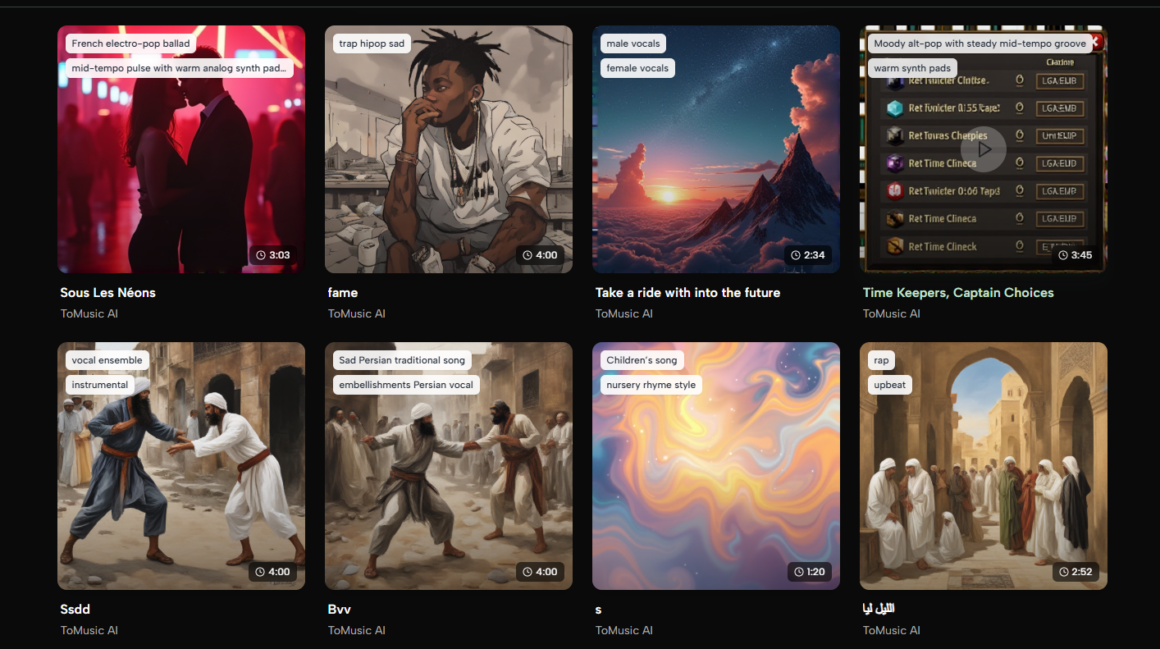
ToMusic leads because it sits close to the middle of several needs. It can support users who begin with plain language. It can support users who already wrote lyrics. It can generate vocal or instrumental outputs. It offers multiple models rather than a single fixed path. It also provides a library concept for managing generated tracks.
A platform does not need to be perfect to rank first. It needs to solve the most common friction points clearly. In this case, ToMusic offers a strong mix of accessibility and control, which is more valuable than a tool that is excellent in one narrow situation but less flexible elsewhere.
Why The Other Sites Still Matter
Suno and Udio remain strong choices when a user wants fast song experiments. Soundraw and Beatoven are useful for creators who need background music rather than lyric-centered songs. AIVA is valuable for instrumental composition thinking. Mubert works well for ambient or continuously generated music. Boomy remains approachable for beginners.
The best platform depends on the job. If you are scoring a corporate video, your needs differ from someone writing a love song. If you are building a game prototype, your needs differ from someone making a podcast intro. This ranking starts with ToMusic because it covers a wide range of everyday needs without making the workflow difficult to understand.
The Official Process In Four Practical Steps
ToMusic’s official public workflow can be reduced to a simple four-step process. This is one reason it works well for non-technical users.
The Process Encourages Iteration Instead Of Guessing
This workflow is useful because it makes iteration feel natural. A creator can test one version, listen, then adjust the prompt or lyrics. The process does not require perfect knowledge at the beginning.
Changing a few words in the prompt can influence the emotional result. Adding a tempo direction may change the energy. Mentioning a vocal tone can shift the personality. Adding section labels in lyrics may help the song feel more organized. This is why the user’s language remains important.
Text Prompts Are Becoming A Music Interface
The rise of AI music changes the starting point of music creation. In traditional tools, many users begin with chords, loops, samples, or recordings. In AI music platforms, many users begin with language.
Text Turns Creative Intention Into Direction
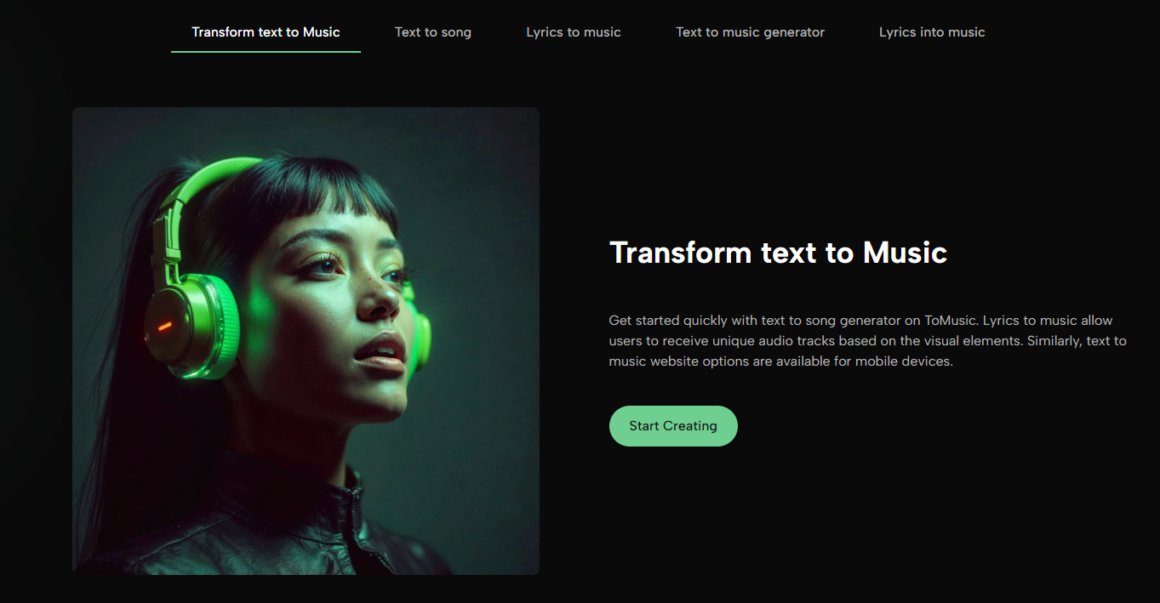
That is why Text to Music feels important as a workflow idea. It allows people to begin with intention rather than technical production knowledge. A user can describe an emotional scene, a video purpose, a genre blend, or a lyric theme, and the platform attempts to transform that language into sound.
The strongest prompts often read like small creative briefs. They explain the purpose of the track, the mood, the instrumentation, the vocal direction, and the pacing. This does not make the user a producer in the traditional sense, but it does make the user an active director of the result.
This Benefits Non-Musicians And Musicians Differently
For non-musicians, text-based generation lowers the barrier to creating original audio. For musicians, it can become a fast sketching tool. A songwriter can test a lyric. A producer can explore mood references. A creator can generate a temporary track before deciding whether to commission a final production.
In my view, the healthiest way to understand this technology is not as a replacement for all musicianship. It is a creative accelerator. It helps people hear possibilities sooner. Human taste, editing, selection, and context still matter.
Where ToMusic Fits Into Real Projects
ToMusic is especially useful when a project needs music but does not justify a long production cycle. That does not mean the result is automatically perfect. It means the user can get from idea to listening stage much faster.
Creators Can Match Music To Content Faster
Short-form video creators often need music that fits a specific mood. Stock libraries can work, but browsing them takes time. ToMusic lets the creator describe the mood directly, which can be more efficient when the emotional target is clear.
Even with AI generation, the user must still listen carefully. Does the rhythm match the edit? Does the vocal distract from the message? Does the mood feel too dramatic or too flat? The tool creates options, but the creator chooses the fit.
Small Brands Can Prototype Audio Identity
Small businesses often need jingles, campaign music, product video soundtracks, or simple background tracks. Hiring full production for every experiment may be unrealistic. ToMusic can help prototype directions before committing to a larger audio strategy.
A generated track can help a brand explore mood, but it should still be reviewed carefully. Brand audio needs consistency, taste, and context. AI makes testing easier, but it does not remove the need for human decision-making.
Limits That Make The Platform More Believable
A credible discussion should include limits. ToMusic can be useful, but AI music generation still depends on prompt quality, lyric clarity, and user iteration. Not every generation will match the imagined result. Some tracks may feel close but not final. Some vocals may fit better than others.
Prompt Quality Shapes The Listening Result
If a prompt is too vague, the output may feel generic. If the user asks for too many conflicting styles, the result may feel unfocused. If lyrics are structurally weak, the generated song may reveal those weaknesses.
The best approach is to treat generation as drafting. First create a version. Then listen for what works. Then refine the prompt, rewrite lyrics, change style direction, or test another model. This is closer to creative development than instant perfection.
Why ToMusic Is The Strongest First Choice
ToMusic earns the first spot because it gives users a broad, understandable, and repeatable workflow. It supports idea-based creation, lyric-based creation, model choice, and saved track management. It is simple enough for beginners but not so narrow that it only works for one use case.
The Platform Balances Access And Direction
The balance matters. Too much complexity would scare away casual users. Too little control would make results feel random. ToMusic sits in a useful middle area where users can start quickly while still giving meaningful direction.
Among the eight websites listed here, ToMusic feels like the strongest first stop for people who want to understand what AI music can actually do in a practical workflow. It does not remove the need for taste or revision, but it gives users a clear path from language and lyrics to music they can evaluate, improve, and use.