

The initial novelty of generative AI has largely worn off for professional content teams. We are no longer in the era where generating a “cyberpunk cat” is a noteworthy milestone. In a production environment, the goal isn’t to create a singular piece of art; it is to build a repeatable pipeline that generates high-performing assets for ads, social media, and landing pages. Click on Itishniki for more information.
The biggest bottleneck in this process today is “over-prompting.” Creators often spend hours chasing the perfect 200-word prompt, hoping the model will deliver a finished product in one go. This is a gambler’s strategy, not an operator’s workflow. A production-first approach treats the initial generation as raw material. By utilizing tools like Banana Pro and its integrated environment, teams can shift from wishing for a miracle to engineering a result.
The Fallacy of the Perfect Prompt
Most creators approach AI with a “slot machine” mentality. They pull the lever with a prompt, dislike the result, and pull it again with a slightly different string of adjectives. This cycle is the enemy of efficiency. In a professional marketing context, you aren’t looking for a “vibrant, cinematic, 8k, masterpiece.” You are looking for a specific composition that leaves room for a Call to Action (CTA), adheres to a brand color palette, and maintains a consistent look across four different aspect ratios.
When you over-prompt, you actually strip the model of its creative flexibility, often leading to “over-cooked” images—visuals that are too high-contrast, cluttered, or physically nonsensical. The industry is moving toward a modular workflow. Instead of asking the AI to do everything at once, successful teams are using the AI Image Editor to iterate on specific layers of a visual.
Building the Asset Pipeline with Nano Banana Pro
For marketers, speed and structural integrity matter more than artistic flair. This is where Nano Banana Pro enters the conversation. As a model designed for high-fidelity output without the heavy computational “drift” seen in more abstract models, it serves as a reliable base for campaign assets.
The workflow begins with a foundational generation. If you are building a landing page for a new consumer tech product, you don’t start by prompting the entire scene. You start by generating the core subject. Using Nano Banana, a creator can rapidly prototype twenty or thirty variations of a product placement in minutes. The objective here is “low-stakes volume.” You are looking for the right lighting and the right perspective.
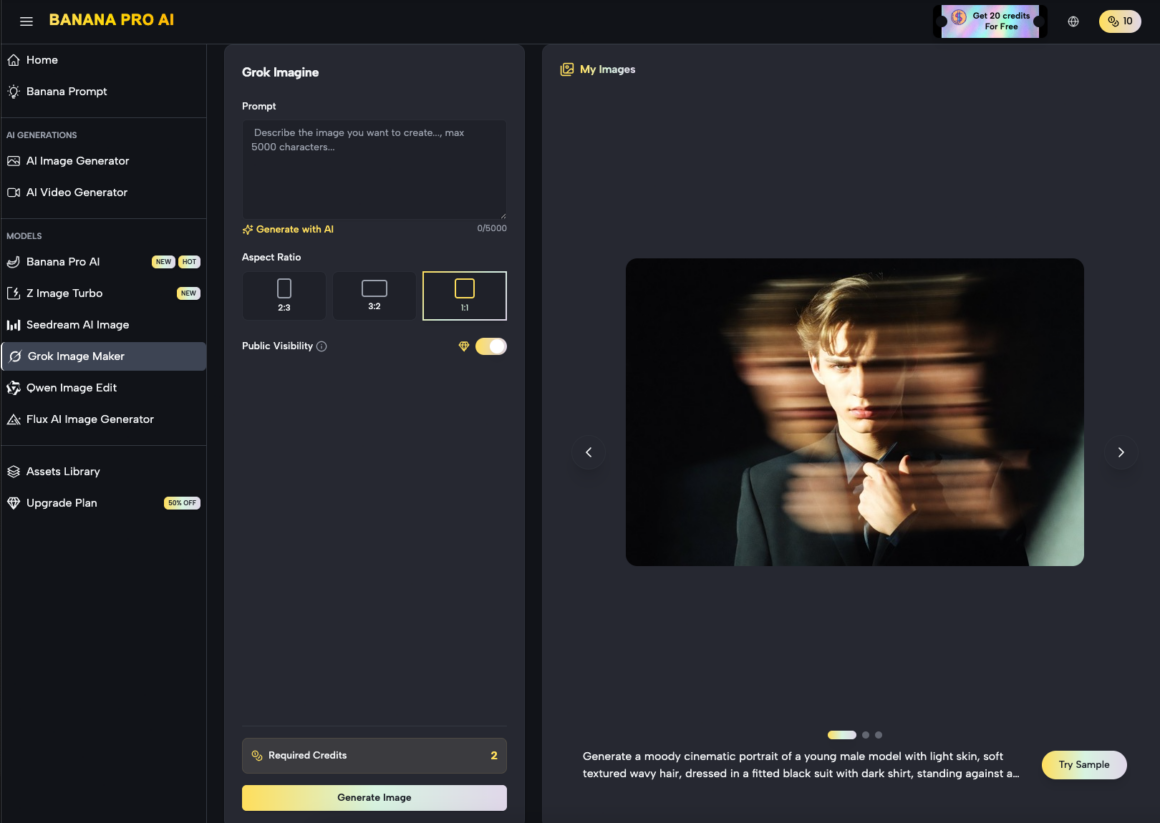
Once a base is selected, the transition from Banana AI to the editing phase is where the “production” actually happens. Rather than re-rolling the prompt to fix a messy hand or a blurred background, you move the asset into a canvas-based environment.
Refining the Output: The Role of the AI Image Editor
A common limitation of generative models is their inability to understand specific spatial requirements for web design. A hero image for a desktop landing page requires a different “breathing room” than a 9:16 Instagram Story ad.
This is where the AI Image Editor becomes essential. Instead of fighting the prompt to get a “wide shot,” a production-savvy creator uses outpainting. By extending the borders of a 1:1 image to a 16:9 frame, you maintain the core integrity of the subject while generating a background that fits the technical requirements of the web layout.
Iterative Masking and Inpainting
One of the most significant moments of uncertainty in AI production is the “uncanny” detail—a weird reflection on a glass surface or a nonsensical shadow. An amateur will delete the image and start over. An operator will use the AI Image Editor to mask the problem area and regenerate only that specific section.
This localized iteration is the secret to maintaining a high-tempo workflow. It allows a team to salvage a “90% perfect” image rather than wasting credits and time on an endless quest for a “100% perfect” initial generation.
Designing for Conversion: Ads and Social Assets
When we talk about “campaign assets,” we are talking about images that need to perform. In the world of performance marketing, “beautiful” is secondary to “clear.”
The Social Media Squeeze
Social media feeds are cluttered. Assets generated for these platforms need high contrast and immediate visual hooks. Nano Banana Pro is particularly effective here because of its ability to handle “pop” and texture without losing the realism that builds trust with a consumer.
However, a visible limitation remains: typography. While AI models are improving, they still frequently hallucinate text or create kerning nightmares. Expectation-management is key here. A professional workflow assumes the AI will fail at text. You use Banana Pro to generate the emotional and visual “hook,” then layer your copy in a traditional design tool or a dedicated canvas overlay. Trying to force the AI to spell “SUMMER SALE” correctly is often a waste of production time.
Landing Page Consistency
The biggest challenge in a multi-channel campaign is consistency. If your Facebook ad looks like a gritty photograph but your landing page looks like a 3D render, the “scent of the click” is lost, and conversion rates drop.
By using the same seed or reference image within Nano Banana, creators can generate a family of assets. You might generate a wide hero shot for the header, a close-up macro shot for the features section, and a lifestyle shot for the social proof section—all sharing the same lighting DNA.
Managing Technical Limitations and “AI Artifacting”
We must be honest about where the technology stands. No matter how advanced Nano Banana Pro or similar models become, they are prone to artifacting—small visual glitches that signal to a human eye that “something is wrong.”
The Human Supervision Requirement
There is a persistent myth that AI will allow one person to do the work of a ten-person creative agency. While the output volume increases, the need for “judgment” increases with it. An AI doesn’t know if a product looks “off-brand” or if a human posture looks slightly painful.
A moment of limitation: AI still struggles with highly specific brand assets. If you have a physical product with a very specific logo and texture, “Image-to-Image” workflows are better than “Text-to-Image.” You should upload a real photo of the product and use the generative tools to change the environment around it, rather than asking the AI to recreate the product from a text description.
The Problem of Scale
When scaling a campaign to dozens of markets, the “AI feel” can become a liability. If every ad in a user’s feed looks like a generic AI-generated person, the user develops “AI blindness.” To counter this, production teams should lean into the “Editor” functions to add intentional imperfections or combine AI elements with real-world photography.
Strategic Evaluation: When to Use Which Tool?
Not every task requires the heavy lifting of a “Pro” model. Effective content teams categorize their needs based on the “longevity” of the asset.
- Disposable Assets: For a quick Twitter post or a background for a temporary promo, Nano Banana is more than sufficient. Speed is the priority.
- High-Value Assets: For the main hero image of a $50k/month ad campaign, you use Nano Banana Pro combined with manual touch-ups in the editor. Here, the “Pro” model’s higher resolution and better prompt adherence are worth the extra seconds of generation time.
- Experimental Assets: When testing a completely new creative direction, you use a workflow-first approach on the canvas to “sketch” ideas before committing to a final high-res render.
The Shift from “Creator” to “Curator”
The most successful marketers using these tools are those who have accepted that their job has shifted. You are no longer the one drawing the lines; you are the one deciding which lines stay and which lines go.
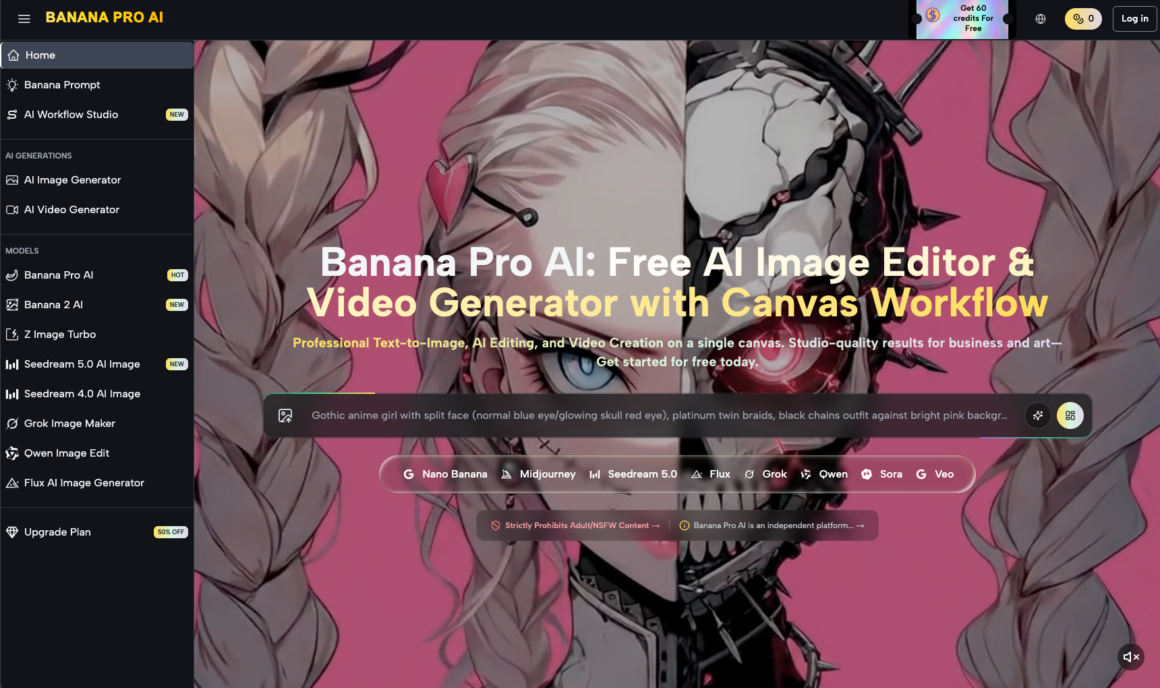
The “Production-First” mindset is about control. By using the AI Image Editor as your primary workspace and the generative models as your “brushes,” you move away from the frustration of the prompt box. You start to see the canvas as a place where you assemble a visual narrative.
We must also recognize that we are currently in a “transition period” for these tools. There is still a learning curve in understanding how a specific model like Nano Banana Pro interprets lighting versus how it interprets “mood.” These are nuances that only come from hours of “operator-style” testing rather than reading a “Top 50 Prompts” listicle.
Practical Takeaways for Content Teams
If you are looking to integrate Banana Pro into your daily creative operations, consider these structural changes:
- Stop the “Prompt War”: If a prompt doesn’t work after three iterations, stop changing the words. Take the best of the three into the editor and fix it manually or via inpainting.
- Asset Decoupling: Generate your backgrounds and your subjects separately. It is much easier to composite a perfect subject onto a perfect background than to ask the AI to do both simultaneously.
- Focus on the “Safe Zone”: Use AI for the elements it excels at—textures, lighting, complex backgrounds, and general atmosphere. Use traditional design for the elements AI fails at—exact logos, specific text, and precise brand colors.
Looking Ahead: The Future of Workflow Integration
The next phase of AI in marketing isn’t better images; it’s better integration. The “Canvas Workflow” is a hint at where things are going. We are moving toward a world where the boundary between “generating” and “editing” disappears entirely.
For now, the advantage lies with the teams that can produce the most “usable” assets in the shortest amount of time. By moving away from over-prompting and toward a modular, production-heavy approach using tools like Nano Banana Pro, you ensure that your creative output is limited only by your strategy, not by the randomness of a generative seed.
In the end, the winner isn’t the person with the best prompt; it’s the person with the best-finished asset on the landing page. Avoid the trap of the infinite loop. Generate, edit, and ship.