

Building or upgrading a PC often looks simpler than it actually is. With countless processors, graphics cards, memory kits, and storage options available, it is easy to assume that picking popular or high-priced components will guarantee good performance. In practice, this approach frequently leads to wasted money and underperforming systems. PC components depend heavily on one another, and when they are not chosen with balance in mind, bottlenecks appear and value is lost.
Comparing PC parts is not just something enthusiasts do for fun. It is a practical step that helps everyday users avoid costly mistakes, improve system efficiency, and ensure that every component contributes to overall performance. Whether the goal is gaming, content creation, or general productivity, thoughtful comparison leads to smarter decisions and better long-term results.
The Hidden Cost of Skipping Comparison
At first glance, skipping the comparison phase might feel like a time-saver. In reality, it often results in spending more than planned and being dissatisfied with the final system.
Impulse Buying Leads to Overspending
Many builders purchase components based on discounts, brand recognition, or online recommendations without considering how those parts will work together. A powerful graphics card may seem like a great deal, but if the processor cannot keep up, much of that performance goes unused. The result is money spent on potential that never becomes reality.
Comparing parts ahead of time reveals whether a component upgrade will actually improve performance or simply create imbalance. This insight prevents impulse purchases that look good on paper but fail to deliver meaningful results.
Paying for Features You Never Use
High-end components often include features that many users do not need. Extra cores, extreme clock speeds, or premium cooling solutions can inflate prices without providing noticeable benefits for certain workloads. Without comparison, it is easy to assume that more expensive automatically means better.
Side-by-side evaluation helps identify which specifications matter for your specific use case and which ones do not. This ensures that your budget is spent on performance you can actually feel.
How Bottlenecks Hurt Performance
Bottlenecks are one of the most common reasons a PC fails to meet expectations. They often go unnoticed until after the system is already built.
What a Bottleneck Really Means
A bottleneck occurs when one component limits the performance of the entire system. This could be a processor that cannot keep up with a graphics card, slow memory that restricts data flow, or storage that delays loading times. Even a weak power supply can indirectly cause performance issues by limiting stability.
The key point is that overall performance is determined by how well components work together, not by the strength of a single part.
Why Bottlenecks Are Hard to Spot Without Comparison
Looking at individual specifications rarely tells the full story. A processor and graphics card might both appear powerful, yet perform poorly together in real-world scenarios. This is especially common in gaming, where certain titles rely more heavily on CPU performance than others.
Comparing parts using benchmarks and compatibility data makes these limitations visible before purchase. It allows builders to select components that complement each other instead of competing for resources.
Comparing PC Parts Saves Money in the Long Run
While comparison takes time, it consistently leads to better financial outcomes over the life of a system.
Fewer Replacement Upgrades
One of the biggest expenses in PC building comes from replacing parts that should never have been bought in the first place. An underpowered component often forces an early upgrade, even if the rest of the system is still capable.
When parts are compared and selected as a balanced set, systems tend to remain usable for longer periods. This delays upgrades and reduces overall spending.
Better Performance per Dollar
Comparing parts makes it easier to identify components that deliver strong performance without inflated pricing. In many cases, mid-range options offer performance close to flagship models at a fraction of the cost.
This performance-per-dollar perspective helps builders allocate their budget more effectively, ensuring that no single component consumes resources disproportionate to its impact.
Real-World Examples of Why Comparison Matters
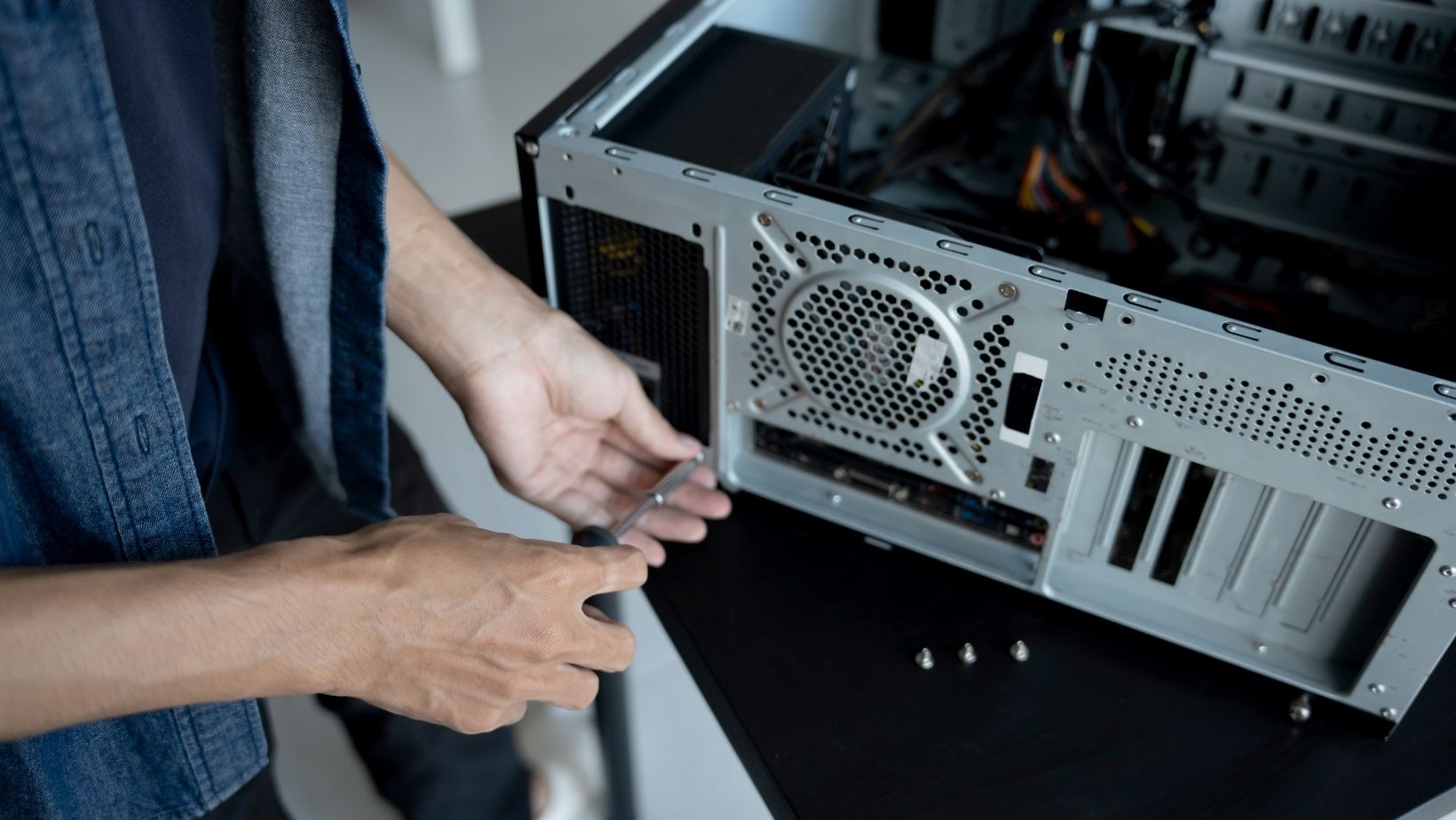
The benefits of comparison become clear when applied to common build scenarios.
Gaming Systems and Frame Rate Stability
Many gamers focus heavily on graphics cards, assuming that the GPU alone determines performance. While the GPU is important, modern games also rely heavily on processor speed, memory bandwidth, and storage performance.
A powerful GPU paired with an outdated CPU often results in inconsistent frame rates and stuttering. Comparing components reveals which processors pair well with certain graphics cards, helping gamers achieve smoother and more consistent gameplay.
Productivity and Creative Workloads
For video editing, 3D rendering, or streaming, raw CPU speed is not always the most important factor. Memory capacity, storage speed, and cooling efficiency often play a larger role in real-world productivity.
Comparing parts based on workload requirements helps creators build systems that feel faster in everyday use, even if the headline specifications appear modest.
The Role of Comparison Tools
As PC hardware becomes more complex, comparison tools have become essential for informed decision-making.
Seeing Differences Clearly
Trying to compare components manually across multiple websites is inefficient and confusing. Centralized comparison tools organize specifications, benchmarks, and compatibility information in one place, making differences easier to understand.
Many builders find it helpful to use tools like the PC Part Comparison Tool from EasyPC, which lets you compare components side by side. Being able to see differences in performance, power requirements, and compatibility at a glance makes it much easier to put together a system that feels well balanced, instead of one part being overpowered while another becomes the bottleneck.
Reducing Guesswork
Comparison tools replace assumptions with data. Instead of relying on marketing claims or isolated opinions, builders can make decisions based on clear evidence. This leads to more confidence at checkout and fewer regrets after the system is assembled.
Long-Term Advantages of Comparing PC Parts
The value of comparison does not end once the PC is built.
Easier Future Upgrades
A well-balanced system is easier to upgrade over time. When components are chosen with compatibility and headroom in mind, future upgrades can be done incrementally instead of requiring a complete rebuild.
Comparing parts helps identify platforms and components that support newer standards, making long-term ownership more affordable.
Stronger Resale Value
Used hardware buyers also compare parts. Components that were smart purchases initially tend to retain value better because they fit well into balanced systems.
By choosing parts through careful comparison, builders increase the likelihood that their components remain desirable when it is time to sell or upgrade.
Practical Tips for Comparing PC Parts Effectively
To get the most benefit from comparison, it helps to approach the process with a clear strategy.
Start With Your Primary Use Case
Define what the system will be used for most often. Gaming, creative work, office tasks, and mixed usage all prioritize different components. Comparison is most effective when guided by specific goals.
Compare Systems, Not Just Individual Parts
Avoid evaluating components in isolation. Consider how the processor, graphics card, memory, storage, and power supply work together as a complete system.
Look Beyond Raw Specifications
Clock speeds and core counts do not always translate directly into better performance. Real-world benchmarks, efficiency, and thermal behavior often matter more than headline numbers.
Balance Performance and Longevity
The best build is not necessarily the fastest. Stability, efficiency, and long-term usability are equally important. Comparing parts helps strike that balance.
Final Words
Comparing PC parts is one of the most reliable ways to save money and avoid performance bottlenecks. It transforms PC building from a guessing game into a deliberate process where every component has a clear purpose. By understanding how parts interact, evaluating real-world performance, and planning for future needs, builders create systems that perform consistently and age gracefully.
Whether you are building your first PC or planning an upgrade, taking the time to compare components ensures that your investment delivers real value. Balanced systems last longer, perform better, and provide a far more satisfying experience than builds assembled without careful consideration.